
Your Council Website as a Community Engagement Tool
Meet the guest
Watch
Get the Video and Slides
Show notes
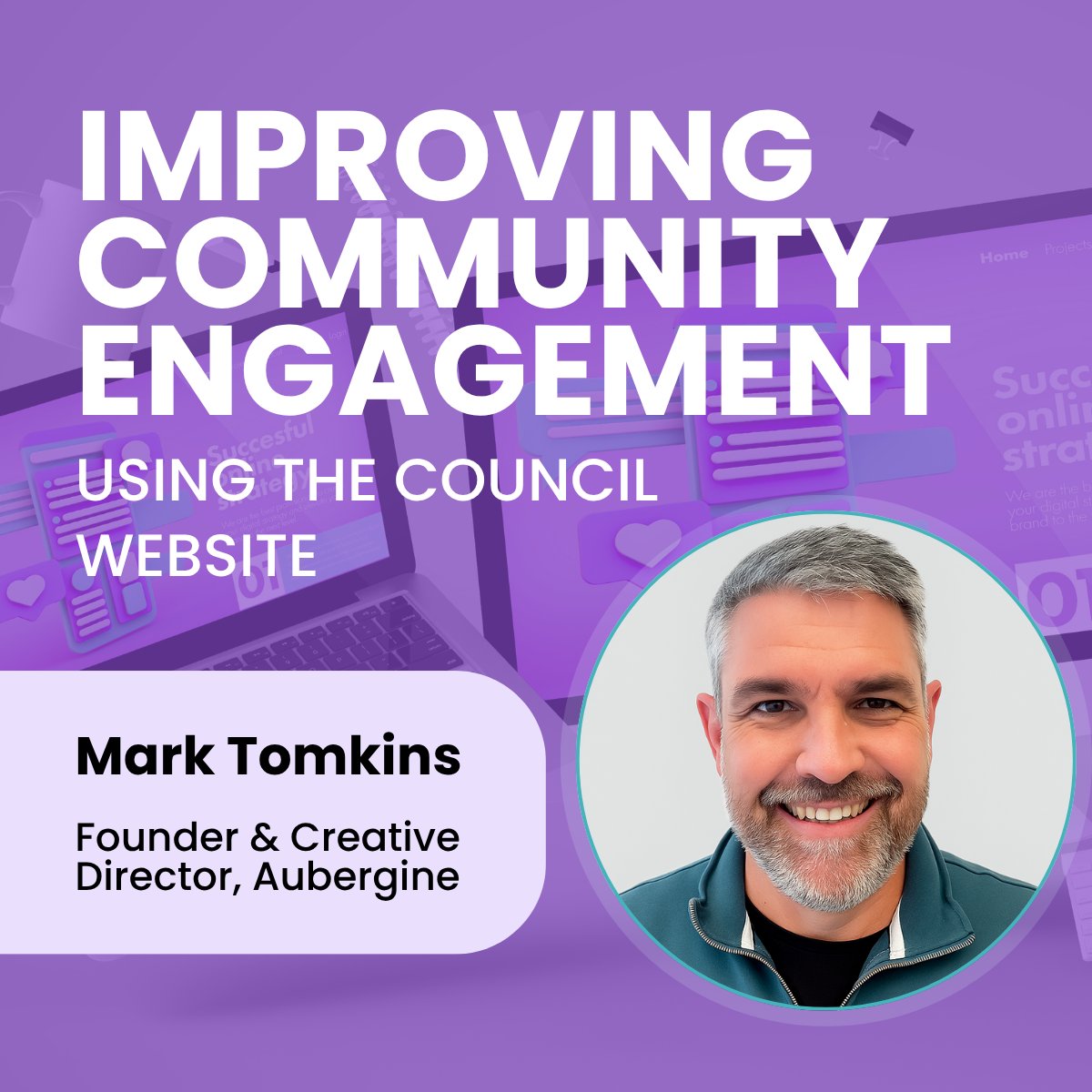
Mark Tomkins is back on the podcast — this time for a follow-up to his Assertion 10 session. The question now: once the website is compliant, how do you actually use it? Mark strips away the jargon and lays out what works for turning your council's website from a legal tick-box into a genuine community engagement tool.
He covers signposting and making the homepage do the heavy lifting (the six-button pattern for the questions you're asked most often); why Word and PDF "forms" create barriers rather than removing them; using Facebook well by going where people are and sending them back to your website for anything you want to measure; the case for turning Facebook comments off and the GDPR traps lurking in WhatsApp groups; and how navigation and "mega menus" can position the council as a genuine community hub — news, local groups, events, consultations, all in one place.
At the back half, John reads listener questions on alternatives to SurveyMonkey, balancing multiple channels as Facebook loses the younger generation, and the great comments-on / comments-off debate. Plus Mark's pay-it-forward answer (fighter pilot, colour-blindness notwithstanding) and a hobby-themed question for the next guest. Recorded April 2026.
Chapters
Questions answered in this episode
Drawn from our second conversation with Mark Tomkins, Founder & Creative Director at Aubergine — this time on using a parish council website as a community engagement tool rather than just a compliance one. The answers below are editorial summaries of the discussion — not verbatim transcripts.
My council website feels like a ghost town. Where do I even start?
The biggest mindset shift is treating the website as a community engagement tool rather than just a place to meet legal publishing requirements. That means giving the homepage some heavy lifting to do — signposting visitors to the things they actually contact the council about — and steadily building up news posts, consultations, and content that reflect what the council is doing (not just what it's required to publish). The work isn't a single redesign; it's a habit of feeding the site with the kind of content people would actually return for.
What's the most useful thing to put on a council homepage?
Signposting buttons for the topics the council gets contacted about most often — potholes, broken street lights, missed bin collections, planning, salt bins in winter, anything that comes up regularly in emails or phone calls. Around six is the right number to aim for. If the council is the right place, link to the relevant internal page; if it's the principal authority's job, link straight to their page. The point is the visitor lands at the right destination, not at a long explanation of who does what.
What kinds of content should a council publish on the website beyond the legally required stuff?
Future projects, plans and goals; consultations linked to precept and budget planning; news about decisions the council has made; local groups and initiatives that residents can share for inclusion; community news and events. Members of the public almost never read the minutes, so anything the council wants residents to know needs a more accessible home than the minutes section. The bin-outside-the-shop story is the principle in miniature — small, visible decisions, written up plainly, build trust over time.
How do I use Facebook well as a parish council?
The rule is: go where the audience is (Facebook), but always drive them back to the website. The council can't control what happens on Facebook, but it controls the website — so the website is where the full story, the polls, and the forms live. Facebook gets a short headline and a link; the website does the work. The audience is older than you might think — roughly 35 to 75. For younger residents, TikTok or Instagram matter, but only after Facebook is being run well; trying to do everything badly is worse than doing one channel well.
Should we turn comments on or off on the council's Facebook page?
The default recommendation is to turn them off and use the page as outbound-only. Social media is 24/7 — someone can post something difficult at 2am, and the council doesn't have a comms team sitting there to respond. Unless there's a dedicated staff member with capacity to monitor and respond politely all day, the cost of leaving comments on is higher than the loss in reach. Residents can still discuss things in the village-wide Facebook group; the council just doesn't host that conversation.
What's the right way to run an online consultation or poll?
Build the full picture on a page on the council's website — the context, the options, the cost implications, any visuals or concept designs — and add a form or poll on the same page. Then share a short headline and a link on Facebook, ideally posted at two or three different times of day so different audiences see it. After the consultation closes, write up the results as a follow-up news post and share that too. Engagement compounds because each post has a second and third bite of the cherry.
How many responses do I need on a poll for it to be worth doing?
Don't obsess over numbers, and especially don't report results as percentages — most people have no idea how many residents the village has, so percentages quietly mislead. Post the actual numbers and be brave about it. A small parish that asks the community about replacing a £3,500 gate and gets 450 responses on a 50/50 split has done a good thing whether or not the council ends up following the result.
Why shouldn't we use SurveyMonkey, Google Forms, or Microsoft Forms?
None of them meet the website accessibility regulations, and all three send the council's data to a third-party platform the council doesn't control. For users who rely on screen readers or other assistive technology, those tools create real barriers — which means engagement effectively excludes part of the community. The alternative is a proper web form on the council's own site (a built-in form builder, or a form module added to whatever platform the council uses) so the form is accessible, the data stays with the council, and follow-up is much easier.
Can we just upload a Word document or PDF as a "form" for residents to fill in?
No — and it's one of the most common ways councils accidentally create barriers. A Word file can't be filled in online; a PDF is a locked document; there's no submission mechanism for either. From the resident's point of view, they're being asked to download a document, print it, somehow get it back to you, and hope. Web forms — ideally mobile-optimised — are the only way to make engagement easy. More than 85% of parish and town council website visitors arrive on a phone, often in the evening, often sitting on the sofa.
Are WhatsApp groups a good way for a council to engage with residents?
For broadcast or decision-making, no. Group WhatsApp shares every member's mobile number with every other member — a UK GDPR exposure the council doesn't always realise it's signed up for — and there's no moderation, no edit log, and no audit trail. WhatsApp is fine as a one-to-one channel ("WhatsApp the clerk"), or for councillors coordinating logistics, but it's not a place to gather views or take decisions. Group conversations belong on the website, where the council owns the data and the moderation.
How can navigation and a "mega menu" turn the website into more of a community hub?
Most council websites have menus that grow over time into hard-to-navigate trees. A mega-navigation — a single large menu that columnises content — lets visitors see everything at once: regulatory information in one column, services in another, with council responsibilities and principal-authority responsibilities clearly separated. Beyond that, the site can become a genuine community hub by listing local events (not just council meetings), highlighting local groups, and adding small touches like a map of where the dog bins and benches are. None of it is rock and roll, but it's the sort of thing residents notice.
Is it worth running an email newsletter — and what's a realistic frequency?
Yes, and the bar is lower than most councils think. Tools like MailChimp, SendInBlue and MailPoet are GDPR-compliant when set up correctly and have free tiers good enough for parish-council volumes; a paid MailChimp plan that comfortably handles a parish-sized list runs around £120 a year. Once a month is a perfectly reasonable cadence — don't promise weekly unless the resource is there to deliver. Every parish or town council can find three or four things worth writing about in any given month.